

Kestrel Meridian 14 vs Tessellate Vector 13: thickness or throughput
One is 380 grams lighter with a better screen. The other is still running at full speed forty minutes into a workload. The right answer depends on one question.
The short answer
Kestrel Meridian 14
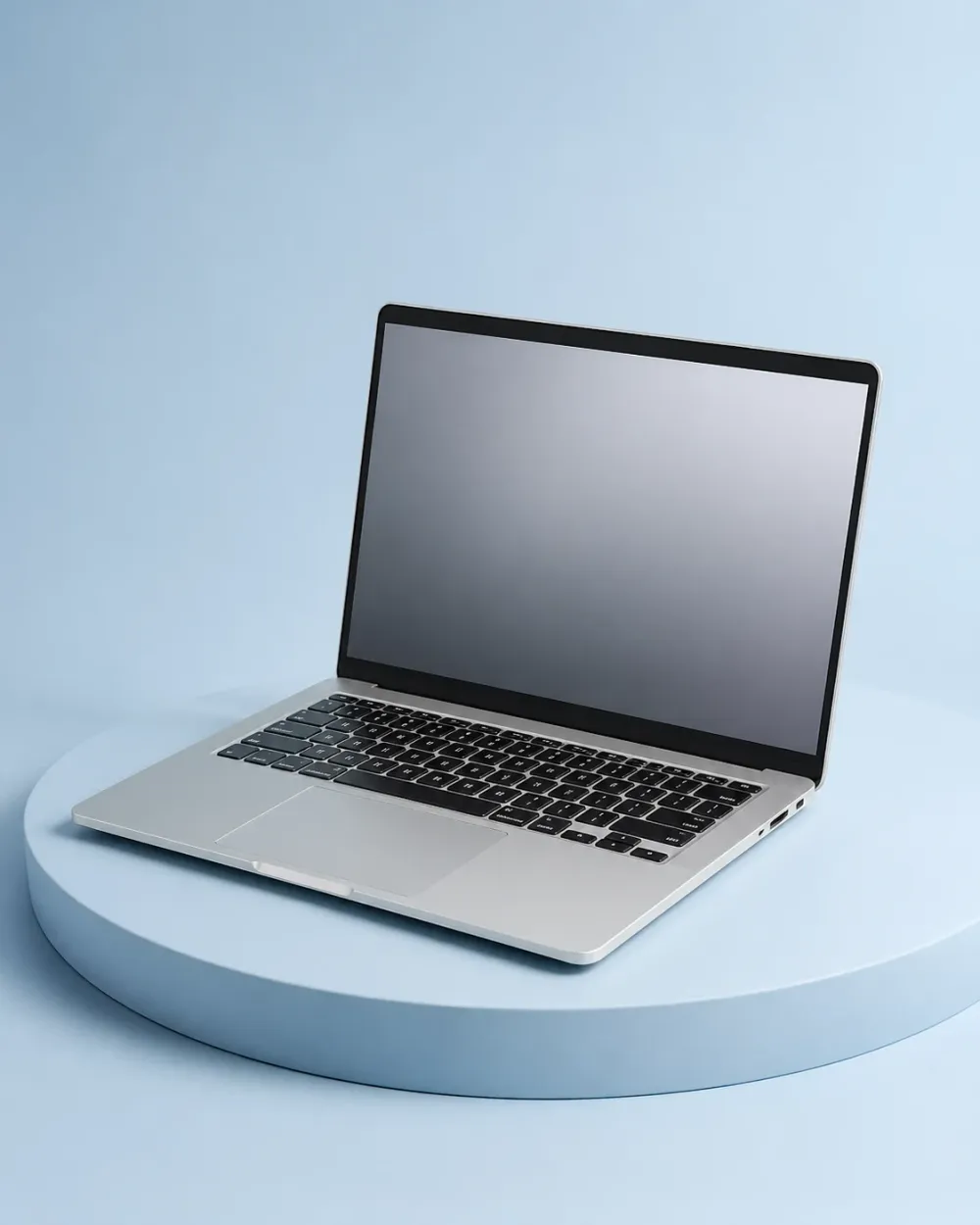
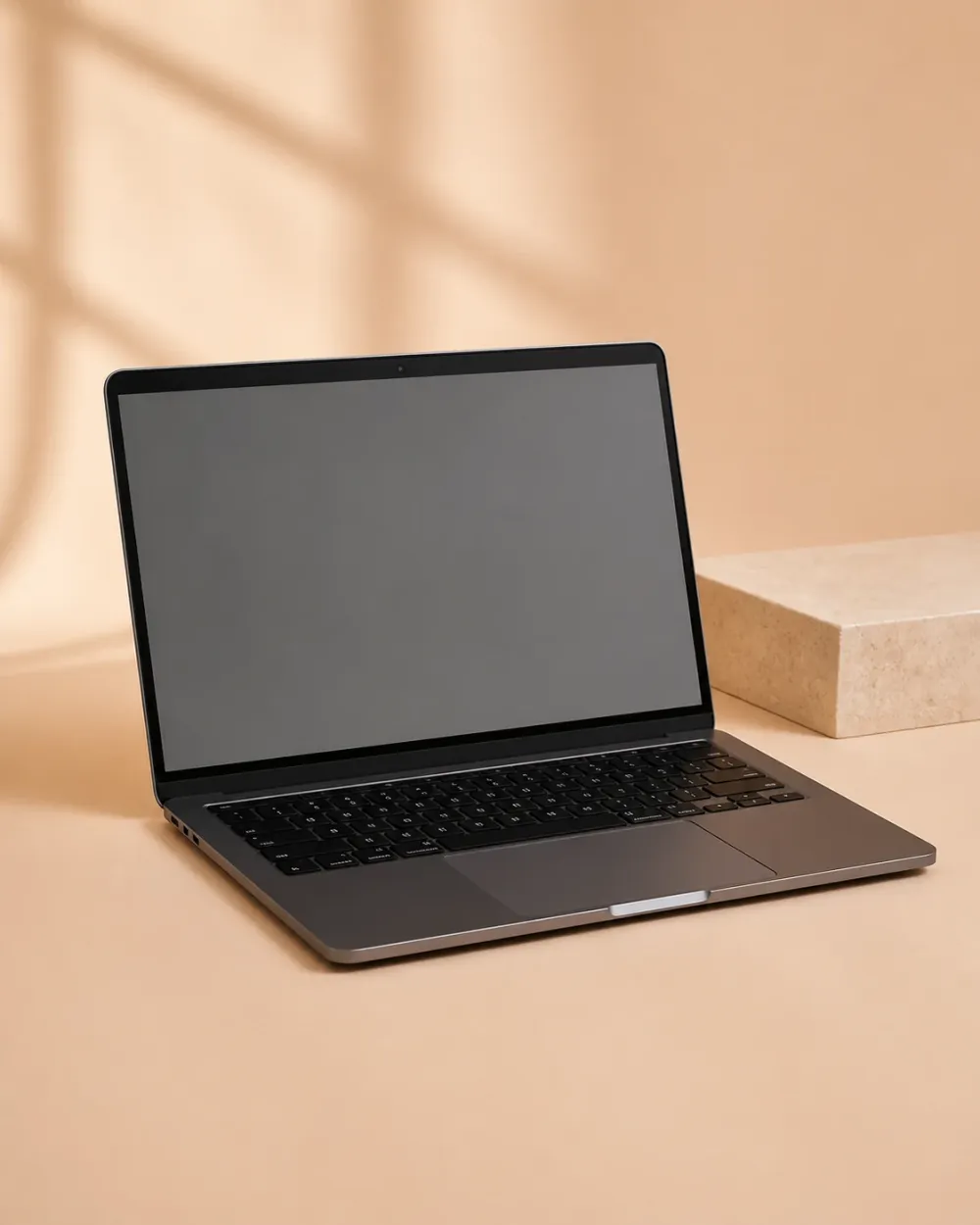
The Vector 13 is 380 g lighter, $300 cheaper, and has a screen the Meridian cannot match. The Meridian holds 94% of its clocks after half an hour under load against the Vector's 76%, runs 3 hours 20 minutes longer on a charge, and comes with a five-year update commitment and a battery you can replace with a screwdriver. If your work runs for longer than a benchmark, buy the Meridian. If you carry a laptop more than you load one, the Vector is the better object.
Check price at Kestrel Direct (opens in a new tab)Both machines are 14-inch aluminium ultraportables at the same price band, and both are quick for the first eight minutes. What separates them is what happens after that. The table below is the thirty-minute load test, the battery run, and the parts either manufacturer will sell you.
Side by side
| Criterion |  Kestrel SystemsKestrel Meridian 14 Kestrel SystemsKestrel Meridian 14 |  TessellateTessellate Vector 13 TessellateTessellate Vector 13 |
|---|---|---|
| Our score | 8.9 out of 10 — Strong buy | Not tested |
| Weight | 1.52 kg | 1.14 kg — the better of the two |
| Peak all-core clock | 4.10 GHz | 4.35 GHz — the better of the two |
| Clock at 30 minutes | 3.85 GHz — the better of the two | 3.31 GHz |
| Clock retained | 94% — the better of the two | 76% |
| Mixed-use battery | 11 h 40 m — the better of the two | 8 h 20 m |
| Panel | IPS, 512 nits | OLED, 396 nits — the better of the two |
| Colour accuracy, default | 1.4 average error | 1.1 average error — the better of the two |
| Fan noise at 30 minutes | 41 dBA — the better of the two | 46 dBA |
| Hottest surface point | 44 C — the better of the two | 49 C |
| Replaceable battery | Yes, two minutes — the better of the two | No, adhesive-mounted |
| Committed update window | 5 years, in writing — the better of the two | Not published |
Which one, for whom
- If you compile, render, or export
- Kestrel Meridian 14The gap opens up after about eight minutes and never closes. Over a working day that is a meaningful amount of time.
- If you commute with it daily
- Tessellate Vector 13380 g and 4 mm is a real difference in a bag you carry every day, and the Vector handles bursty work perfectly well.
- If you do colour work
- Tessellate Vector 13The OLED panel measures better and looks dramatically better, and neither machine is fast enough for heavy video anyway.
- If this is a six-year purchase
- Kestrel Meridian 14A replaceable battery and a five-year update commitment are the difference between a laptop and a security problem in 2031.
- If you work on your lap
- Kestrel Meridian 1444 C against 49 C at the hottest point, and 5 dBA quieter while getting there.
One question
Does your work run for longer than a benchmark?
If it does — compiles, exports, renders, long calls with a lot of tabs — the Meridian is the machine, because after eight minutes it is simply faster and it stays faster. If it does not, the Vector wins on everything you touch: it is lighter, it costs less, and its screen is better in a way you notice every day.
What the Vector gives up, and when
For the first ninety seconds the Vector is the faster machine, by about 6%. At eight minutes the two cross over. At thirty minutes the Meridian is 16% ahead and the Vector’s underside is 49 C.
None of that is a design failure. A 1.14 kg chassis has a fixed amount of thermal mass and Tessellate has chosen to spend it on peak performance rather than sustained performance, which is the right choice for the person who buys a 1.14 kg laptop.
The failure, if there is one, is that nothing on the Vector’s specification sheet tells you this.
The screen is not a small thing
We have written elsewhere that the Meridian’s IPS panel is very good, and it is: 512 nits, accurate, matte, and easy on a battery. Next to the Vector’s OLED it looks grey, because it is.
If you work in a dark room, edit photographs, or simply want the machine to look expensive, the Vector wins this outright and there is no argument to make.
The support window is the tiebreaker nobody checks
Kestrel commits to five years of BIOS and driver updates in writing, with published changelogs. Tessellate publishes no commitment; its last three models stopped receiving firmware around thirty months after launch.
On a three-year purchase that is irrelevant. On a six-year one it decides the question, and it is the reason we would take the heavier machine.
Our answer
The Meridian 14, on the strength of the thirty-minute number and the support window — but the Vector 13 is the one we would recommend to someone who travels weekly and replaces their laptop every three years.