

The short version
- The top of the screen should sit at or just below eye level.
- Laptop screens are always too low. A stand and an external keyboard fix it for about $40.
- Arm's length away, and tilted back about ten degrees.
We spend a lot of words on chairs, and a chair is the right first purchase. But the complaint we hear most often — a stiff neck and aching shoulders by mid afternoon — is usually not a chair problem.
The measurement
Sit normally. Look straight ahead. Your eyeline should land on the top quarter of the screen, not the middle. For most people that means the top edge of the monitor is level with or just below the eyes.
Then push the screen back until it is roughly an arm’s length away, and tilt the top away from you by about ten degrees.
Why laptops are the worst case
A laptop screen is attached to the keyboard, so you can have the screen at the right height or the keyboard at the right height, never both. There is no posture that fixes this and no amount of sitting up straight that compensates.
A $25 stand and a $30 keyboard solve it completely, and that combination outperforms every chair upgrade under $500 for this particular problem.
The reflection nobody mentions
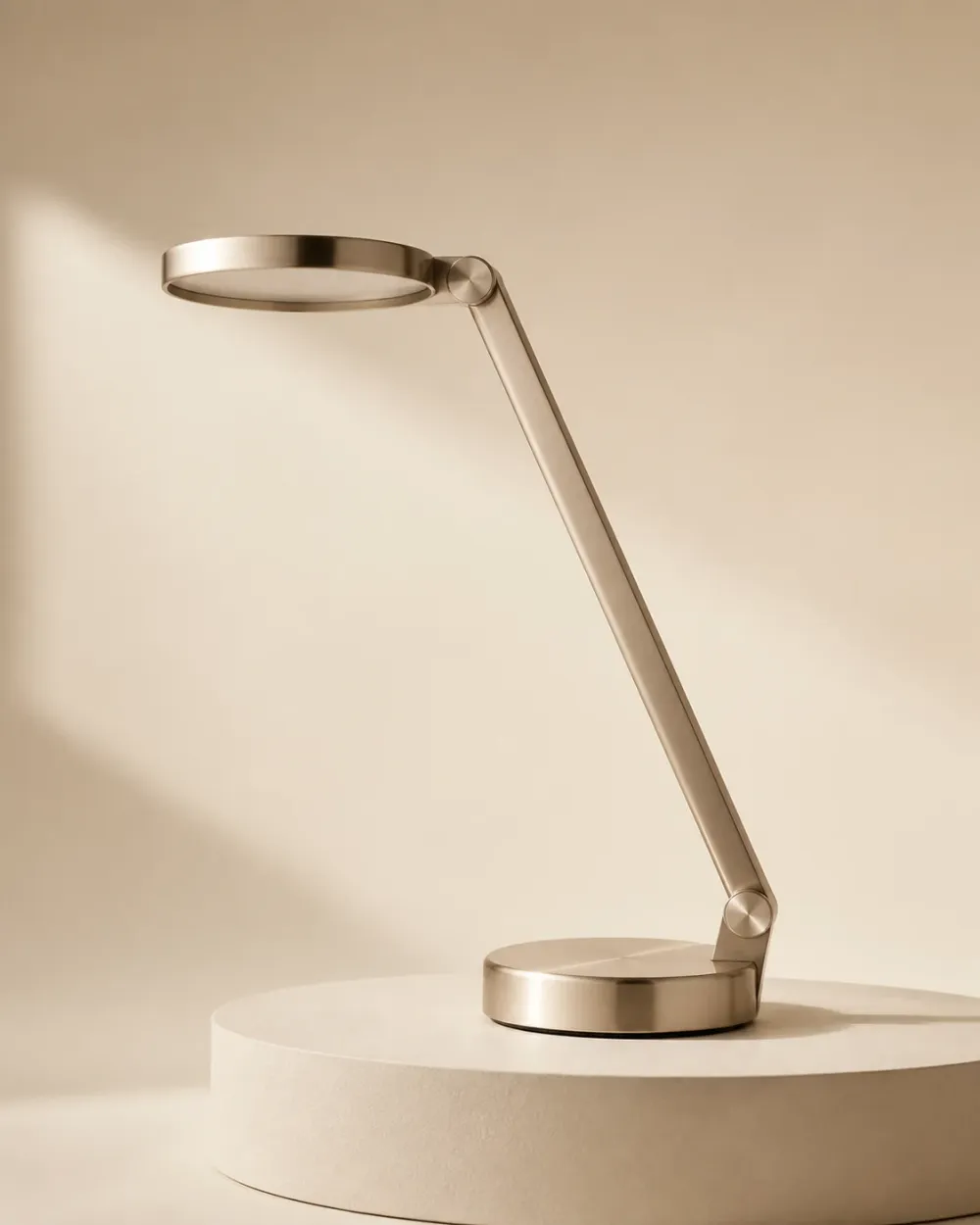
Once the screen is at the right height, check for a reflection in it. A window or a symmetrical desk lamp behind you puts a bright patch in the middle of the panel, and your eyes will fight it all day without you noticing. Move the lamp, or get one with an asymmetric throw.